HydraPaper
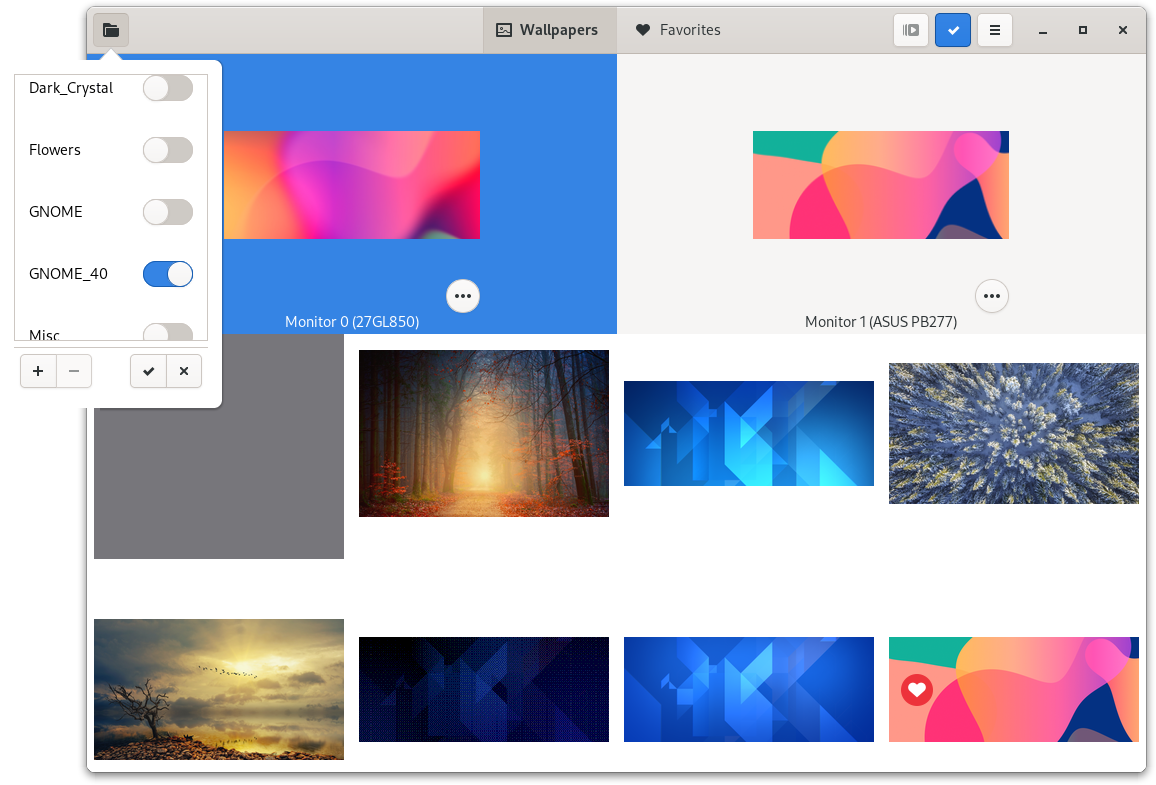
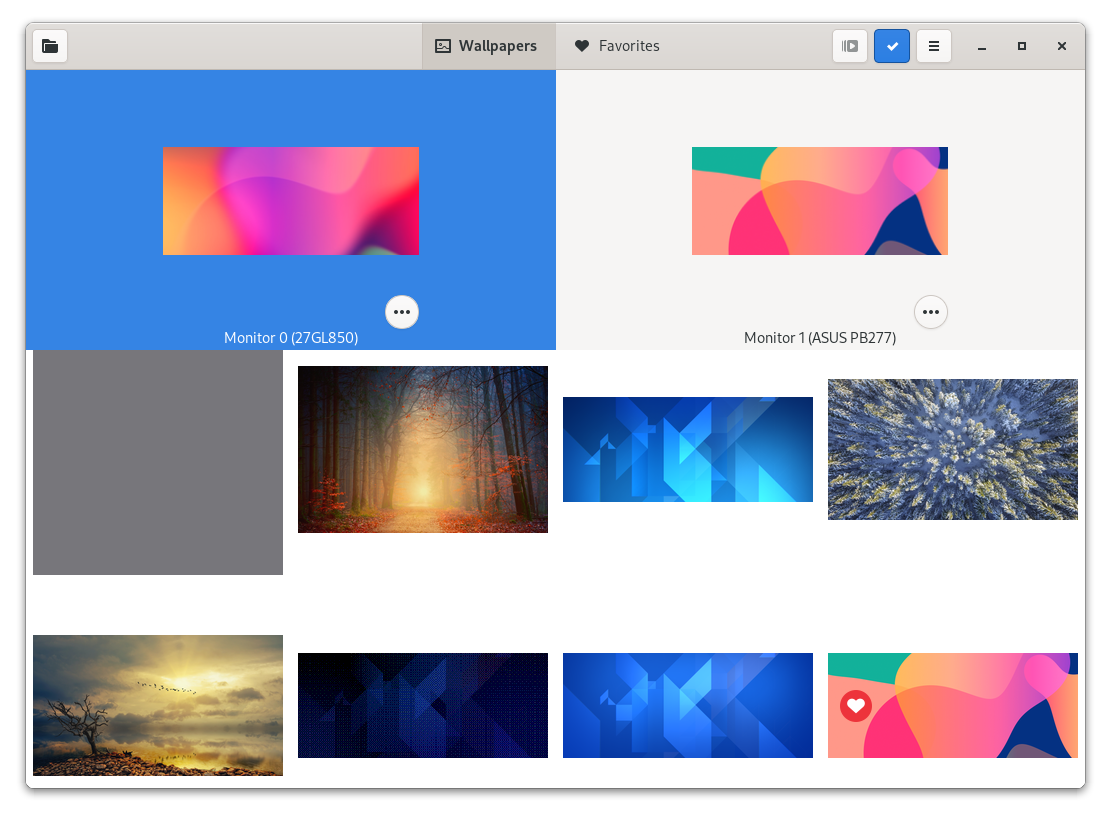
Read our comprehensive review of HydraPaper, the essential multi-monitor wallpaper manager for Linux users seeking independent desktop backgrounds.
Imagine sitting down at your multi-monitor Linux workstation, ready to dive into your workflow, only to find your desktop environment stretching a single, pixelated image across all your screens. For power users, developers, and creatives, having a unified yet distinct visual workspace is essential. The HydraPaper wallpaper manager solves this exact frustration by allowing you to easily assign a unique background to each individual monitor in your setup.
The Multi-Monitor Challenge on Linux
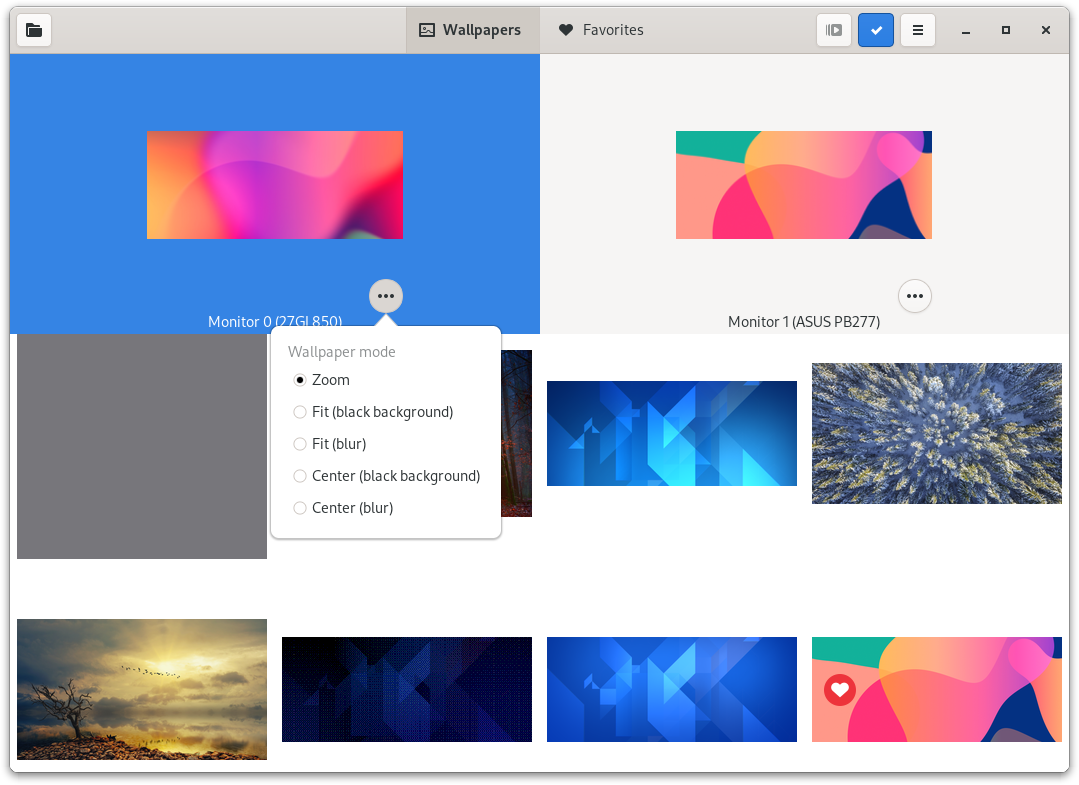
While modern Linux desktop environments offer incredible customizability, many still struggle with native multi-monitor wallpaper configuration. Often, your only choices are to span a single image across multiple displays or mirror the exact same picture on every screen. The HydraPaper wallpaper manager bridges this functional gap. Developed by Gabriele Musco, this utility bypasses desktop environment limitations by intelligently scaling, cropping, and merging your selected wallpapers into a single canvas, which is then applied as a spanned background.
Supported Desktop Environments
Compatibility is a major strength of this utility. The application integrates seamlessly with several major Linux desktop environments, including:
- GNOME: Full native support for modern GNOME desktop setups.
- MATE & Cinnamon: Smooth integration with traditional desktop layouts.
- Budgie: Perfect visual alignment with the Budgie desktop ecosystem.
- Sway: Experimental support is included for users running this Wayland tiling window manager.
Key Features of the HydraPaper Wallpaper Manager
This utility focuses on doing one job exceptionally well. Its standout features include:
- Independent Monitor Configuration: Select and apply different images for every screen with a few simple clicks.
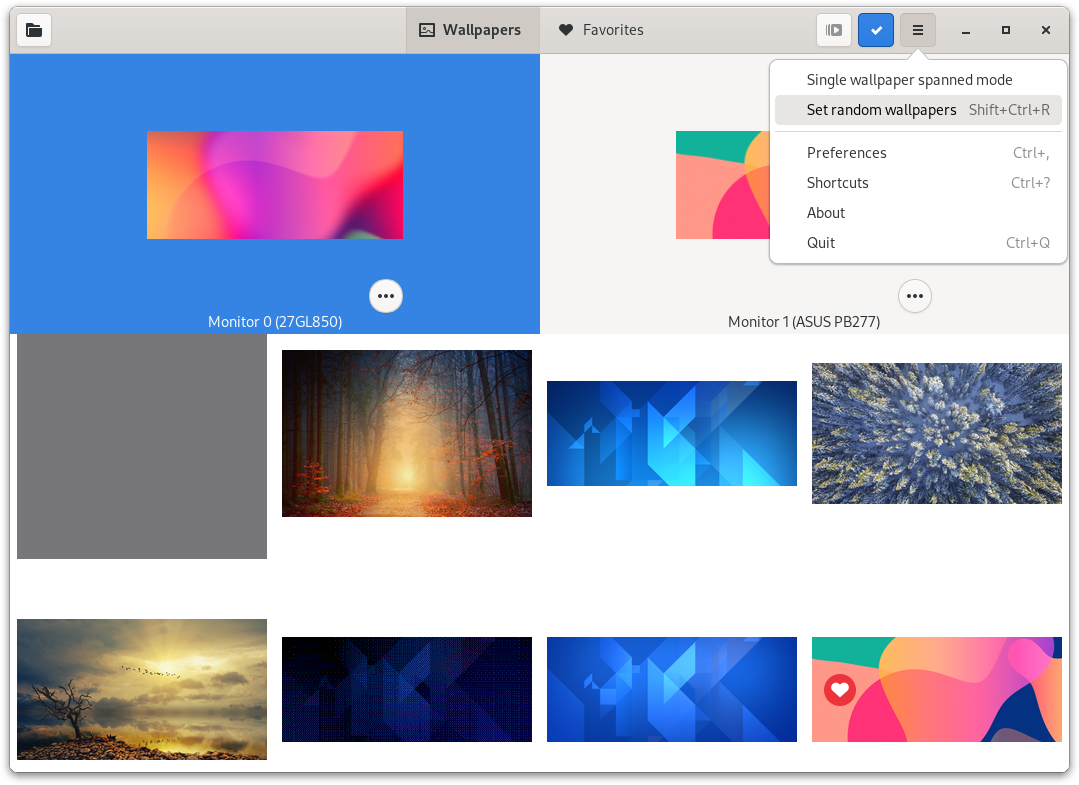
- Smart Image Merging: The app automatically processes your images, scaling and merging them into a single spanned wallpaper to prevent distortion.
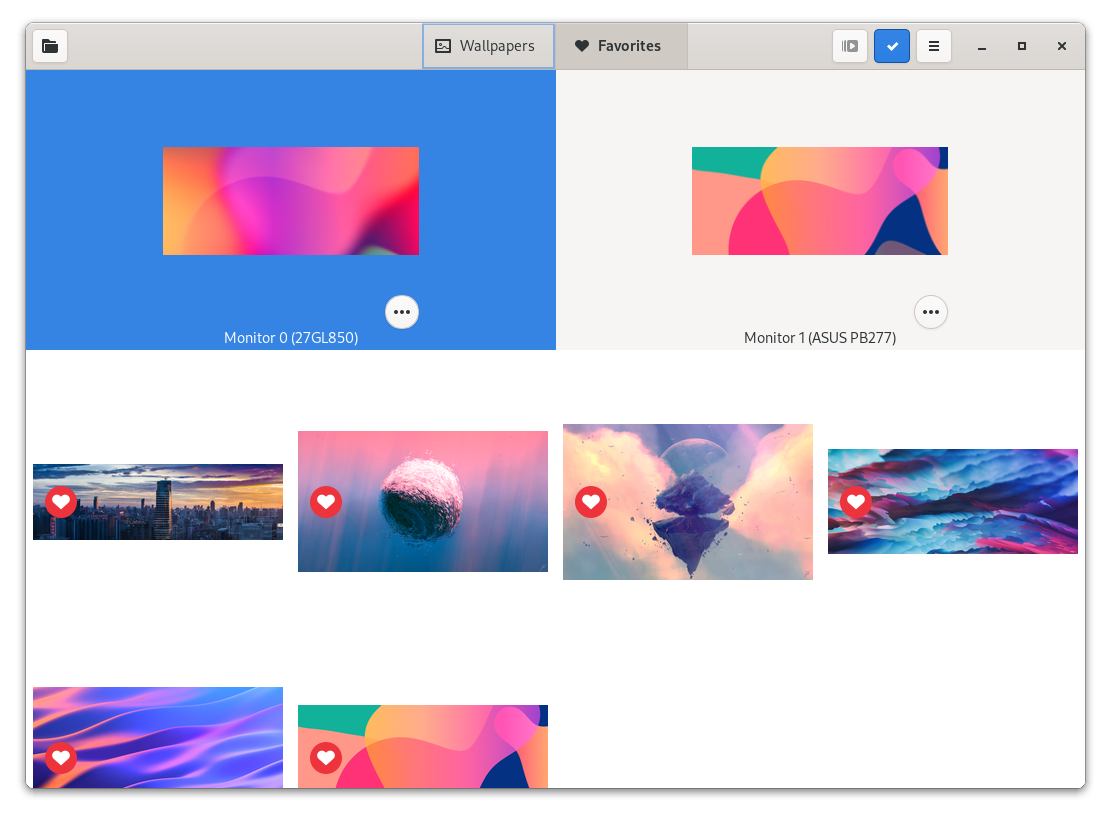
- Intuitive User Interface: A clean, visual layout lets you preview how your wallpapers will look across your displays before applying them.
Who is This App For?
If you are a Linux enthusiast running a dual or triple-monitor setup on GNOME, MATE, Cinnamon, or Budgie, this tool is highly recommended. It eliminates the need for complex command-line scripting or manual image editing just to get your desktop looking professional.
Get Started with HydraPaper
Ready to elevate your multi-display Linux desktop experience? You can find more information, view source code, or install the utility by visiting the official HydraPaper page on Flathub.