

Pure Player X for DVD
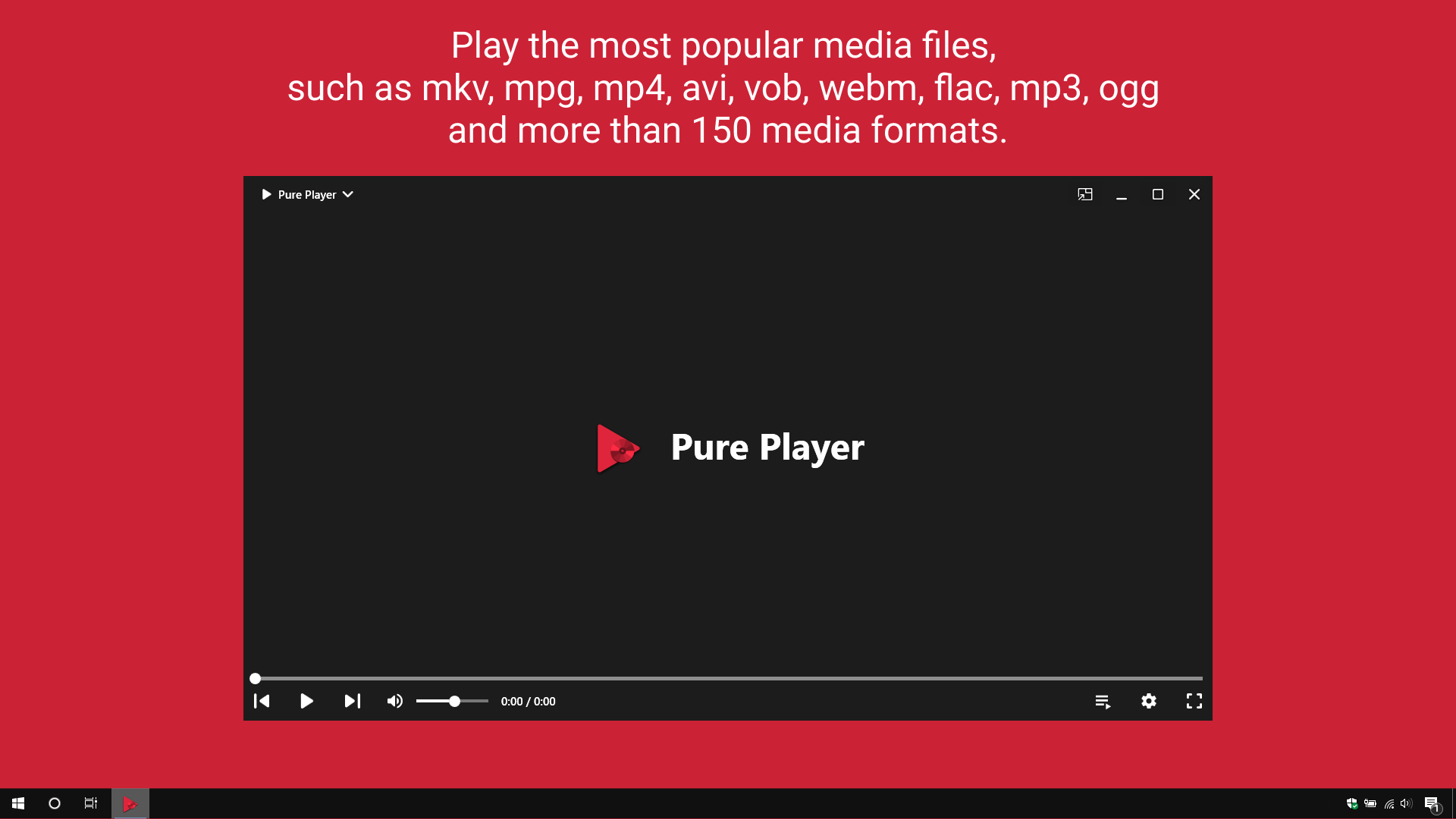
Read our comprehensive review of Pure Player X for DVD. Discover how this Windows media player handles over 150 formats and seamless DVD playback.
A Universal Media Solution for Modern Desktop Users
While many modern operating systems have phased out native support for physical media, Pure Player X for DVD media player steps in to bridge the gap. Developed by Twenty One Team, this lightweight Windows application is designed to be a versatile powerhouse. Unlike standard players that require complex codec packs, this software offers an out-of-the-box solution for both physical DVDs and modern digital file containers, making it a standout choice for media enthusiasts.
Key Features of Pure Player X for DVD media player
The application is engineered to handle almost any media task you throw at it. Here are the core features that define the experience:
- Comprehensive Format Support: Play over 150 media file formats effortlessly, including high-definition MKV, MP4, AVI, WebM, and audio files like FLAC, MP3, and OGG.
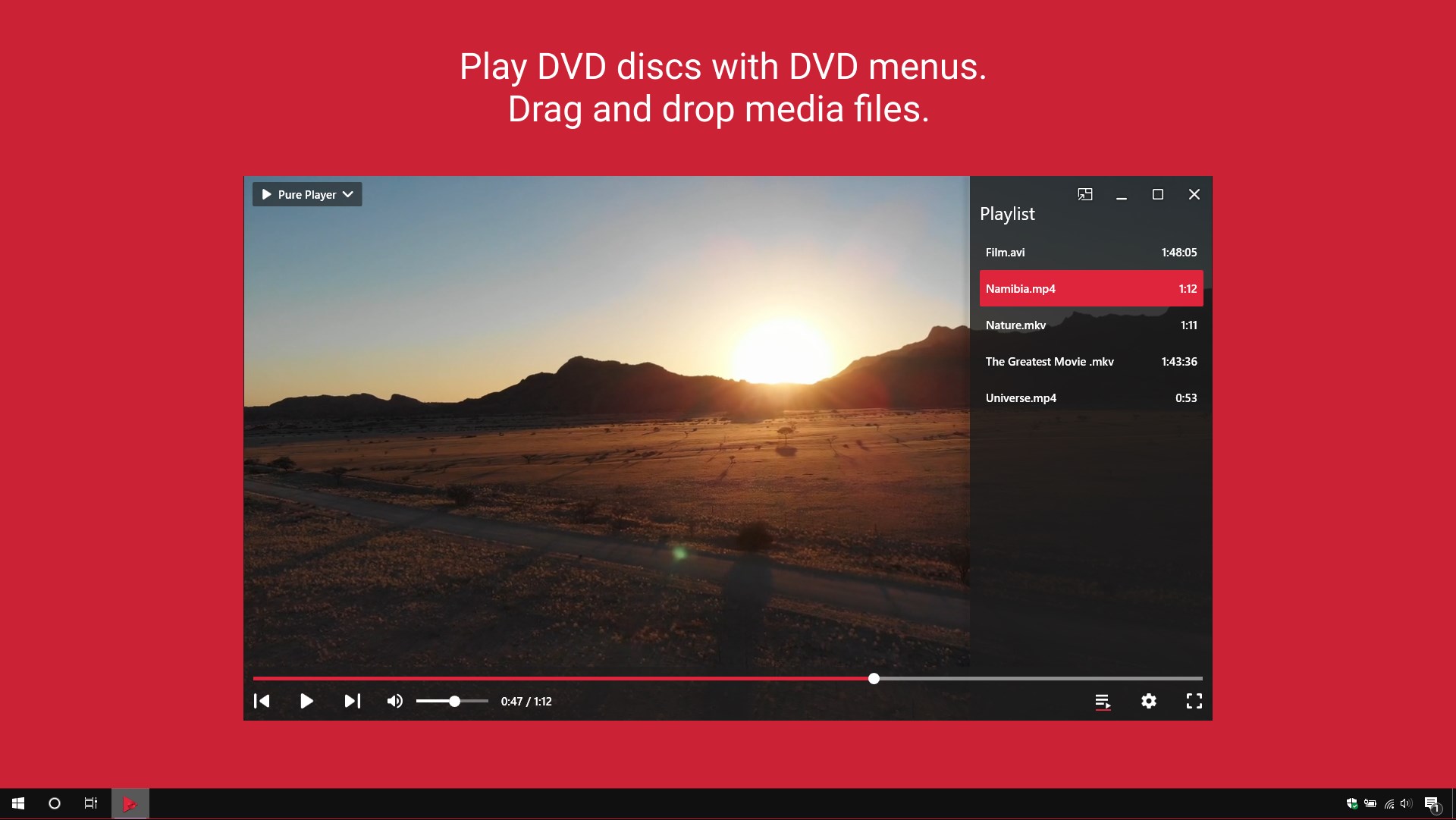
- Complete DVD Navigation: Enjoy physical discs with full interactive DVD menu support, allowing you to access chapters, bonus features, and setups seamlessly.
- Multitasking with Picture-in-Picture: Keep your favorite show running in a compact, floating window while you work on other tasks.
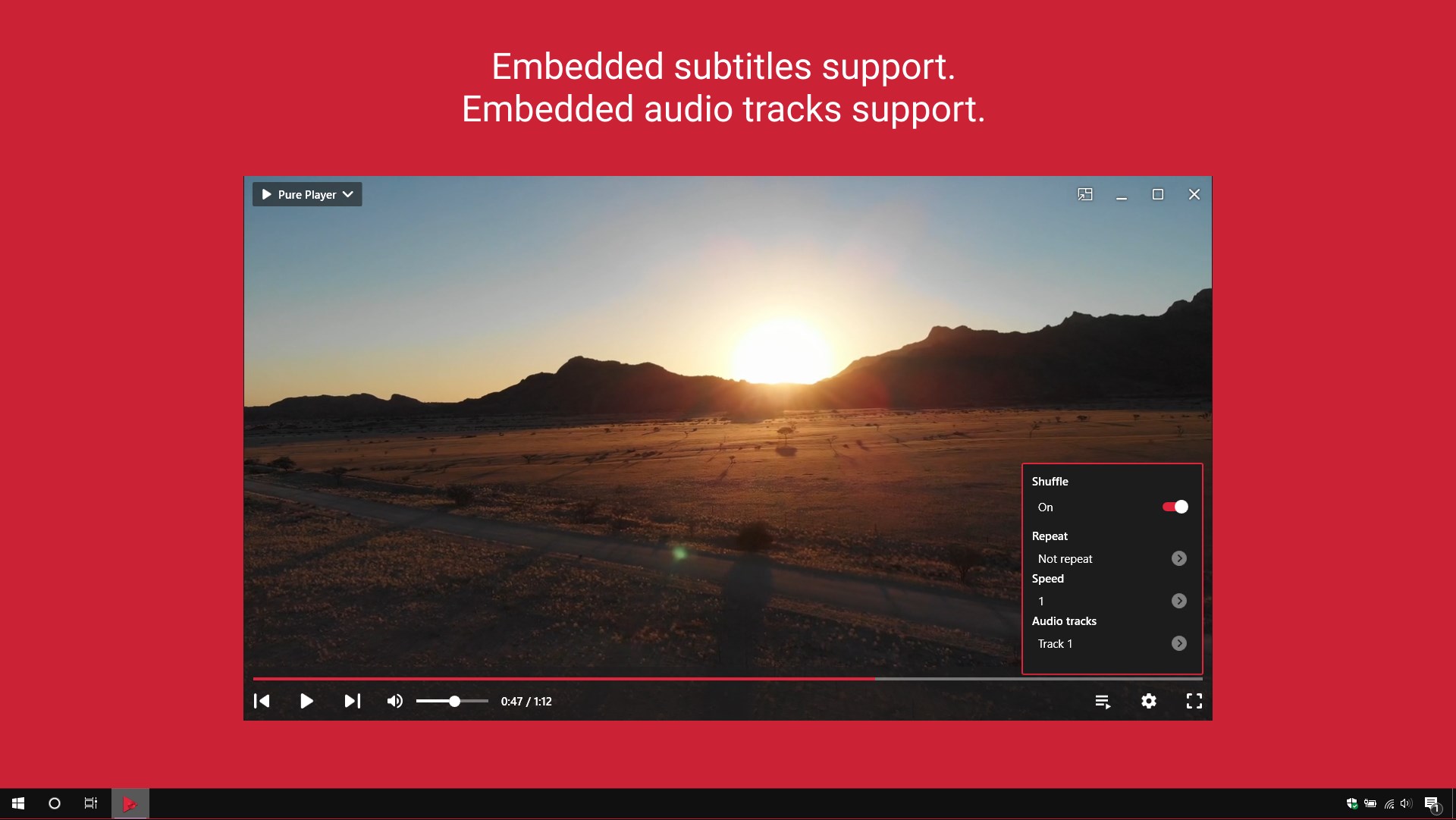
- Intuitive Subtitle and Audio Management: Easily switch between embedded subtitle tracks and multiple audio channels.
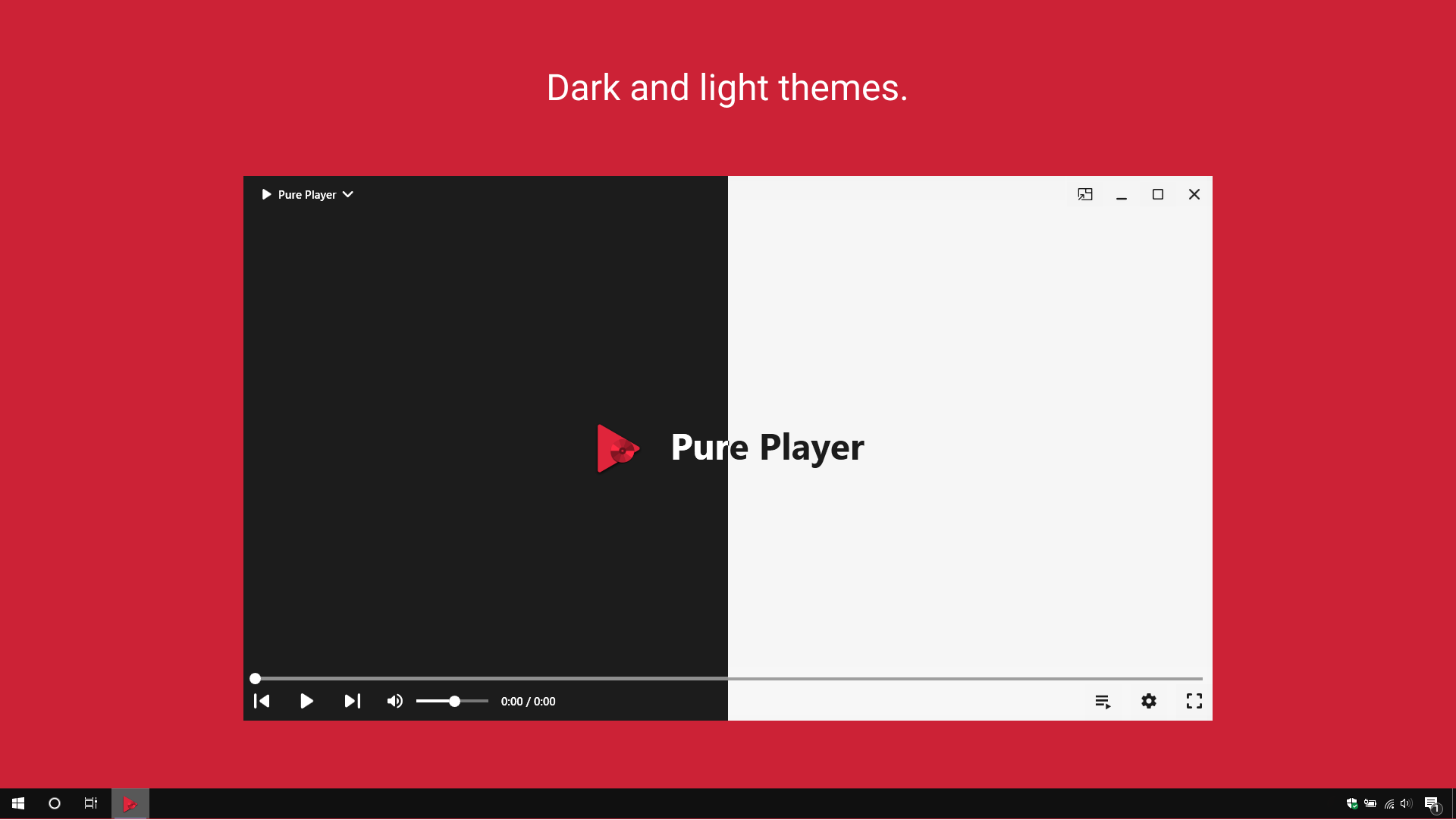
- Customizable Interface: Choose between dark and light visual themes to match your desktop environment.
Who is This Windows Media Player For?
If you have a large library of legacy DVD discs but struggle to find clean, modern software to run them on Windows, the Pure Player X for DVD media player is tailored for you. It appeals to users who appreciate minimalist design without sacrificing advanced playback capabilities. The inclusion of drag-and-drop support and convenient keyboard shortcuts makes it highly accessible for everyday entertainment, whether you are watching a quick video clip or settling in for a full-length movie.
Our Editorial Verdict
Twenty One Team has successfully created a highly functional utility that balances simplicity with deep format compatibility. By eliminating the frustration of missing codecs, it delivers a smooth plug-and-play experience. While the free version contains advertisements, they can be removed via an in-app purchase for those seeking an uninterrupted, premium viewing experience.
To try this versatile media tool on your desktop, head over to the official Microsoft Store to explore its features firsthand.