

Rewatch LIVE: Save Live Stream

Read our comprehensive review of Rewatch LIVE: Save Live Stream. Learn how this automated recording tool saves public broadcasts to the cloud securely.
An Automated Approach to Preserving Live Broadcasts
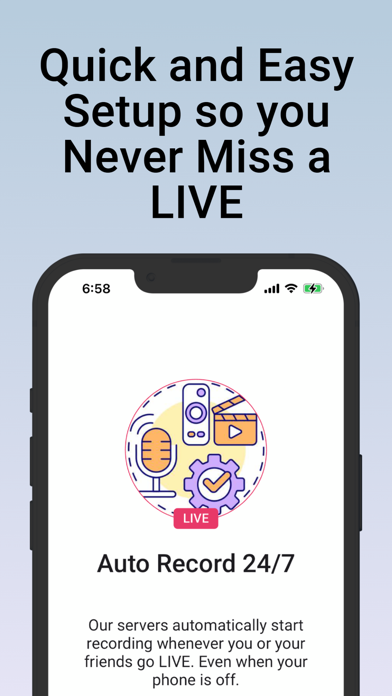
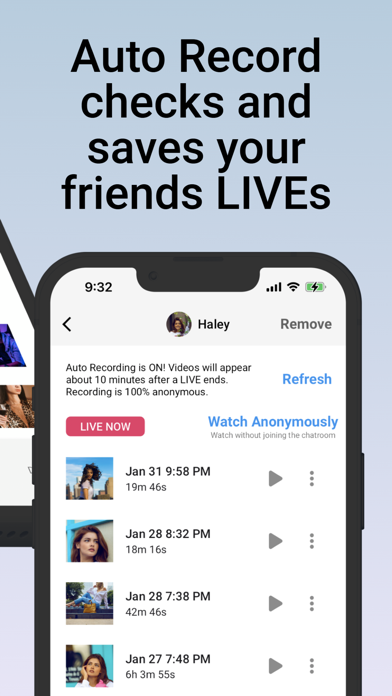
The standout feature of Rewatch LIVE: Save Live Stream is its completely hands-off, server-side automation. Unlike traditional screen-recording tools that require your phone to remain active, hot, and drained of battery, this utility handles everything on external cloud servers. By simply specifying a public username, the platform automatically monitors when that creator goes live and archives the public broadcast for you to watch later at your convenience.
How the Rewatch LIVE: Save Live Stream Utility Works
To use this entertainment application developed by Reactish, LLC, users do not need to share any personal social media account credentials. The system operates on a privacy-first model:
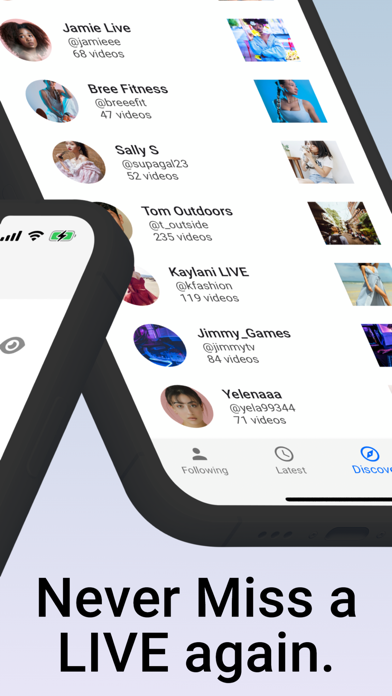
- Username Monitoring: Enter the public profile handle of the creator you wish to record.
- Server-Side Detection: The platform's remote servers check the status and initiate recording automatically when a public, permitted broadcast begins.
- Cloud Storage: The recorded files are stored directly in the cloud, preserving your local iOS device storage.
- Anonymous Viewing: Watch live broadcasts silently without entering the active chatroom.
Key Features and Benefits
Designed for the iOS platform, this app offers a robust set of features for avid viewers of gaming streams, personal talks, and creative performances:
Simultaneous Multi-Recording
You can track and record multiple live streams at the exact same time without sacrificing performance on your mobile device.
Offline Downloads
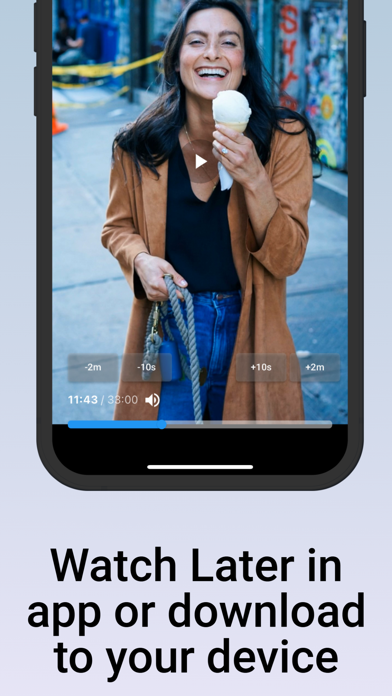
While you can stream directly from the app's cloud interface, you also have the option to download the completed videos directly to your camera roll for permanent offline access.
Strict Opt-Out and Permission Policies
Operating with transparency, the service only records public broadcasts where permission is granted. Any content creator who wishes to be excluded can easily opt-out via the developer's website to have their archived videos deleted instantly.
Is It Right For You?
If you frequently miss scheduled broadcasts from your favorite international creators due to timezone differences, or simply want to archive your own gaming and talk sessions, this tool offers a seamless solution. It eliminates the hassle of manual screen recording entirely.
To experience this automated recording utility firsthand, visit the official iOS App Store to check out Rewatch LIVE: Save Live Stream today.