

SQLite Client by SQLPro
Read our comprehensive review of SQLite Client by SQLPro for Mac. Explore its advanced multi-query execution, syntax highlighting, and database tools.
A Powerful SQLite Client by SQLPro for macOS Developers
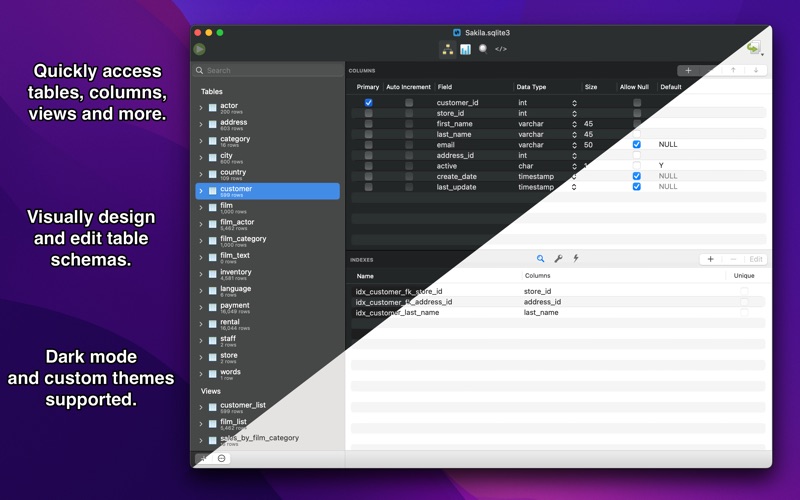
When working with local databases, having a reliable and fast desktop environment can make all the difference. The SQLite Client by SQLPro stands out as a premium, native SQLite editor designed specifically for macOS users who need to move beyond basic command-line interactions. Unlike web-based or cross-platform tools that feel sluggish, this utility delivers a highly responsive Mac-native interface that handles everything from quick table edits to complex database administrations with ease.
Streamlined Database Editing and Querying
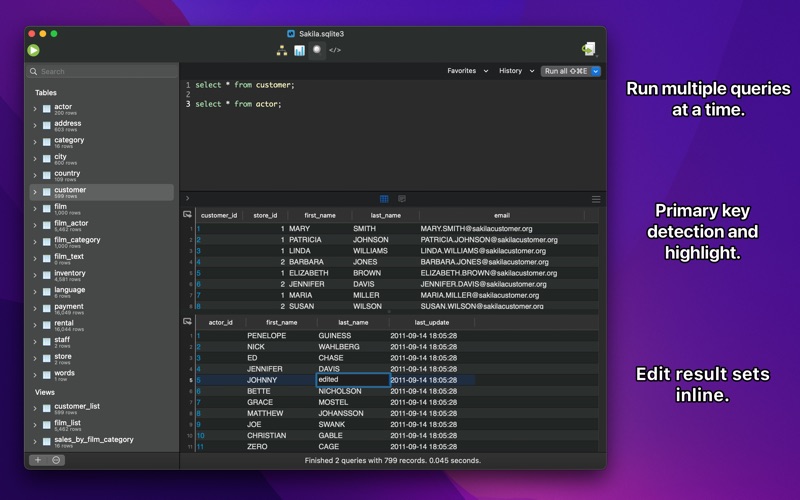
Whether you are debugging a mobile application database or managing local datasets, this application streamlines your workflow. The SQLite Client by SQLPro excels at running multiple queries simultaneously, allowing developers to compare results side-by-side without opening multiple window instances. The editor is built to feel intuitive for beginners while offering the depth required by seasoned database administrators.
Key Features of SQLite Client by SQLPro
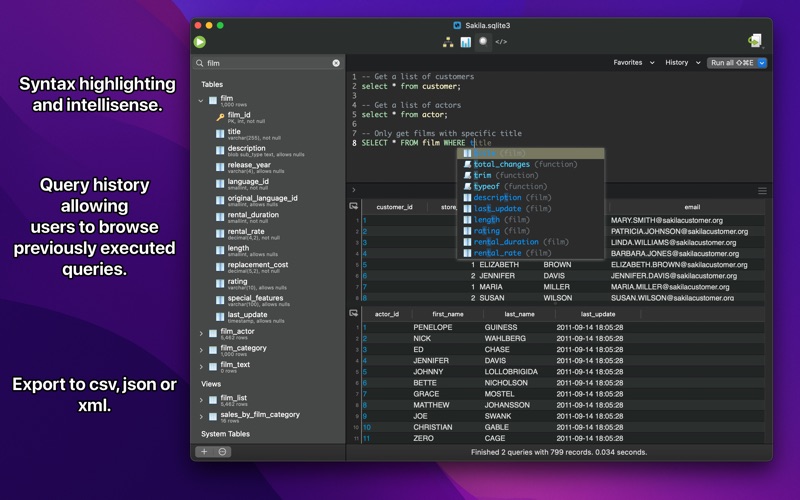
- Intelligent Code Assistance: Write queries faster with built-in syntax highlighting and smart autocomplete/intellisense.
- Multi-Query Execution: Run several queries at once and manage multiple result sets efficiently.
- Automatic External Detection: If another application or simulator modifies your database file, this client automatically detects the changes and reloads the interface.
- Version Integration & Rollback: Safely experiment with your tables. If a query compromises your data, you can quickly rollback to previous versions of your database.
- Flexible Data Exporting: Easily migrate your local tables to other environments by exporting to CSV, MySQL, XML, or JSON formats.
- Backward Compatibility: Full support for legacy SQLite 2 databases alongside modern SQLite 3 files.
Who is This macOS Tool For?
Developed by Hankinsoft Development Inc, this application is tailored specifically for Mac-based software engineers, mobile app developers, and data analysts. Its native design means it respects macOS system behaviors, including full-screen mode and smooth scrolling. With advanced features like runtime loadable extension support, inline filters, and customizable column reordering, it bridges the gap between simple free tools and heavy enterprise database suites.
Get Started with SQLite Client by SQLPro
If you are looking for an independent, robust management utility to speed up your local database development on Mac, this software is a highly capable contender. To check out the current pricing, read user feedback, or purchase the application, visit the official Apple App Store page today.