
XnConvert
Discover how the XnConvert batch image processor simplifies bulk photo editing, resizing, and conversion for Linux creators in our comprehensive review.
Imagine you have just finished a product photoshoot or backed up hundreds of vacation photos, only to realize every single image needs to be resized, watermarked, and converted to a different format. Doing this individually is a productivity nightmare. Fortunately, the XnConvert batch image processor offers a robust, automated solution to handle these repetitive design tasks in seconds.
What is the XnConvert Batch Image Processor?
Developed by Pierre-e Gougelet, XnConvert is a powerful, multi-platform utility designed specifically for rapid graphic processing. On Linux, it serves as an indispensable tool for designers, web developers, and digital photographers who need to apply uniform changes to massive libraries of graphics without sacrificing quality or wasting hours on manual editing.
Key Features of XnConvert
- Unrivaled Format Compatibility: The software supports importing over 500 distinct graphic formats and can export your finished projects to approximately 70 different file types.
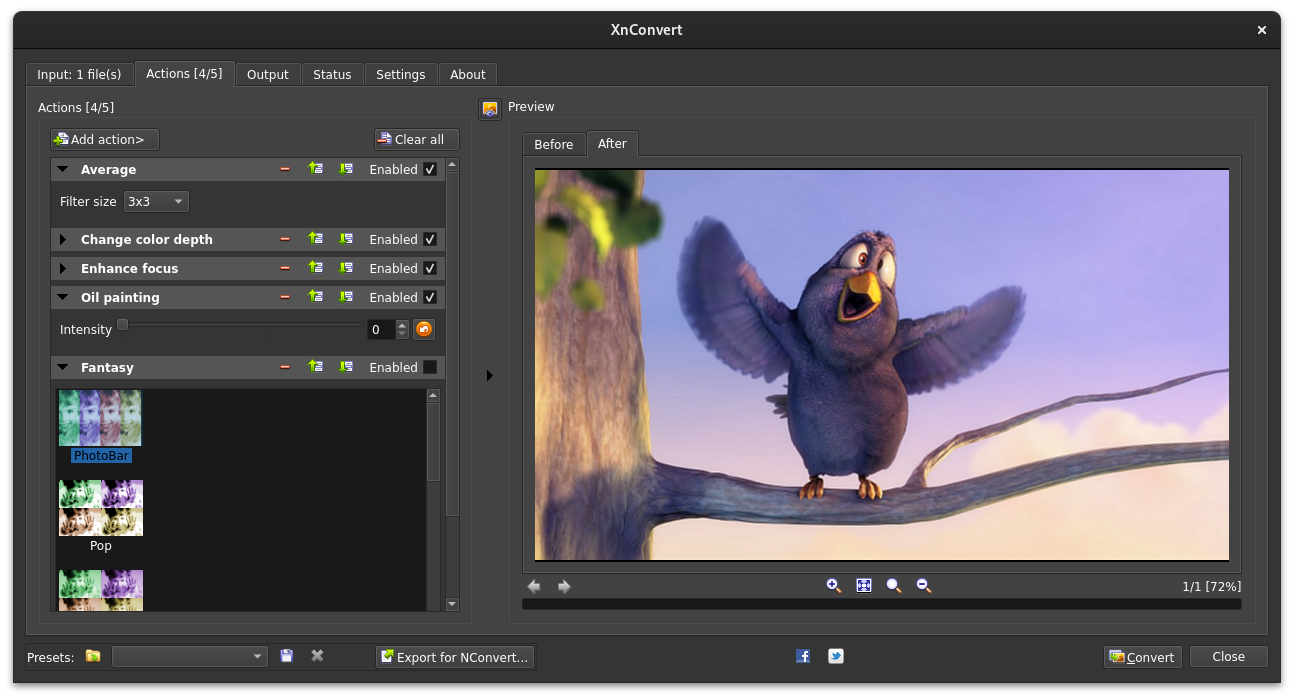
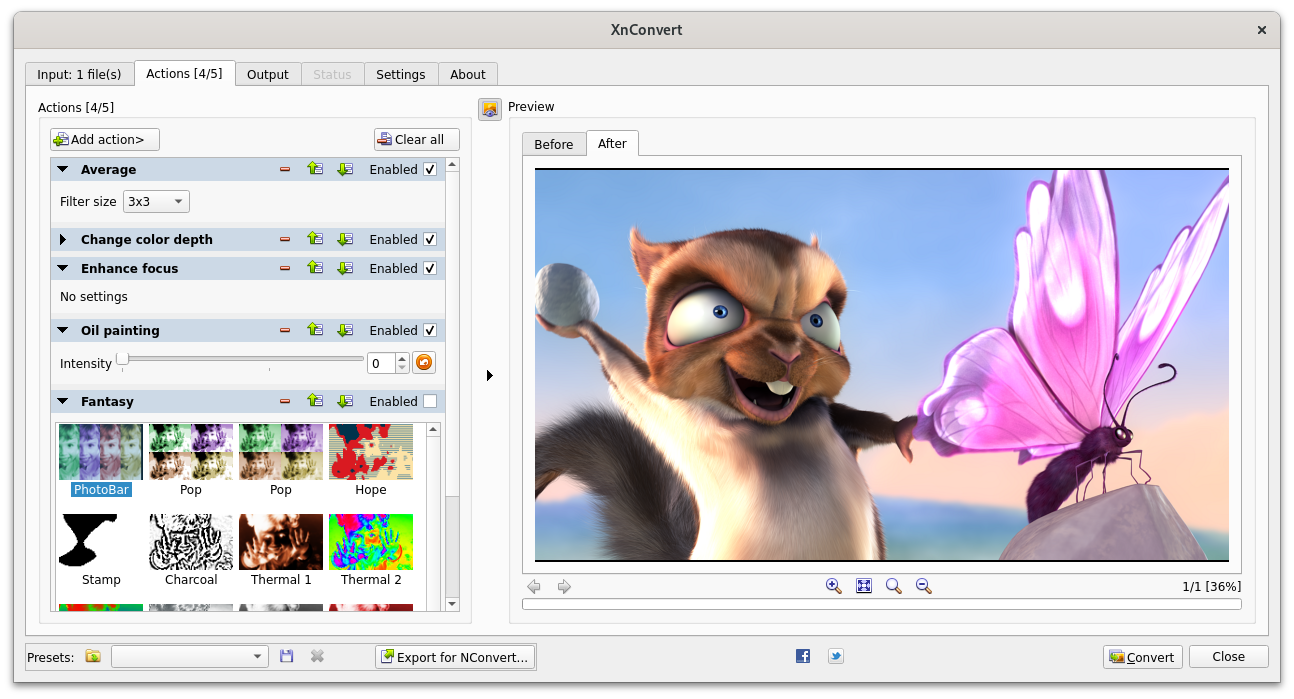
- Comprehensive Action Library: Users can chain together more than 80 unique operations, including metadata editing, transforms (cropping, rotating, resizing), color adjustments (brightness, contrast, saturation), and artistic filters.
- Visual Effects and Watermarking: Easily overlay corporate watermarks, apply masks, or add elegant vignetting effects to thousands of files simultaneously.
- Command-Line Integration: Advanced users can seamlessly export their customized graphical workflows directly to NConvert for efficient command-line scripting.
- Intuitive Interface: Despite its professional-grade depth, the tool features a clean drag-and-drop system that keeps the batch processing workflow simple and accessible.
Who is the XnConvert Batch Image Processor For?
This software is ideal for Linux-based creative professionals who manage digital assets daily. Whether you are prepping web-ready graphics for an e-commerce platform or archiving photography portfolios with preserved metadata, its multilingual interface (featuring over 20 translations) ensures global usability. Because it is distributed as freeware, it provides enterprise-level batch processing capabilities at zero cost.
Streamline Your Creative Workflow Today
If you are tired of repetitive editing tasks slowing down your creative output, this utility is a must-have addition to your design toolkit. To explore this powerful tool further or to set up your own automated workflows, head over to the official Flathub store page to get started with the XnConvert batch image processor today.