
Telegram Desktop
Discover how Telegram Desktop transforms computer-based messaging with unmatched speed, cloud sync, and robust security in our comprehensive review.
Why Telegram Desktop Redefines Computer-Based Messaging
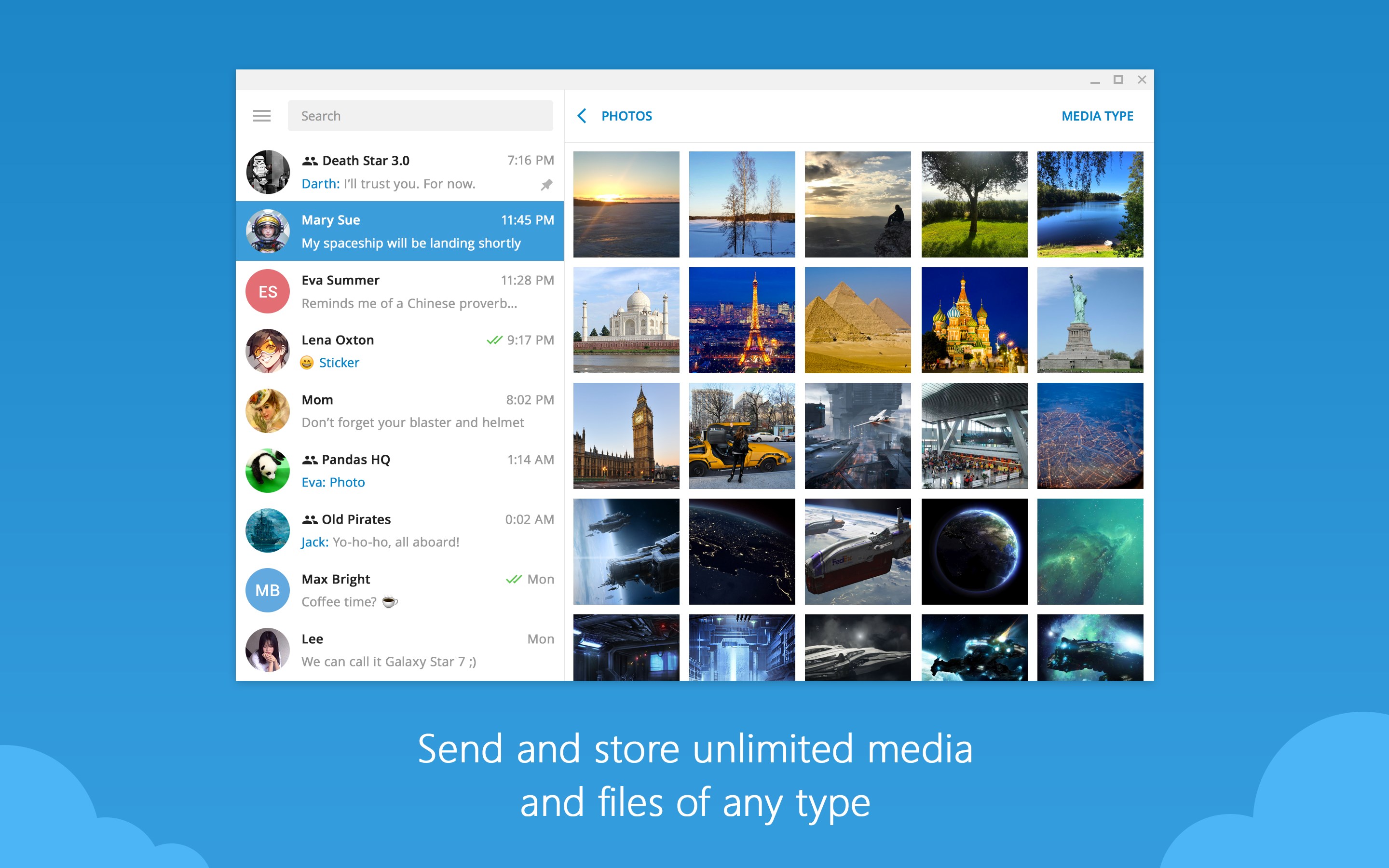
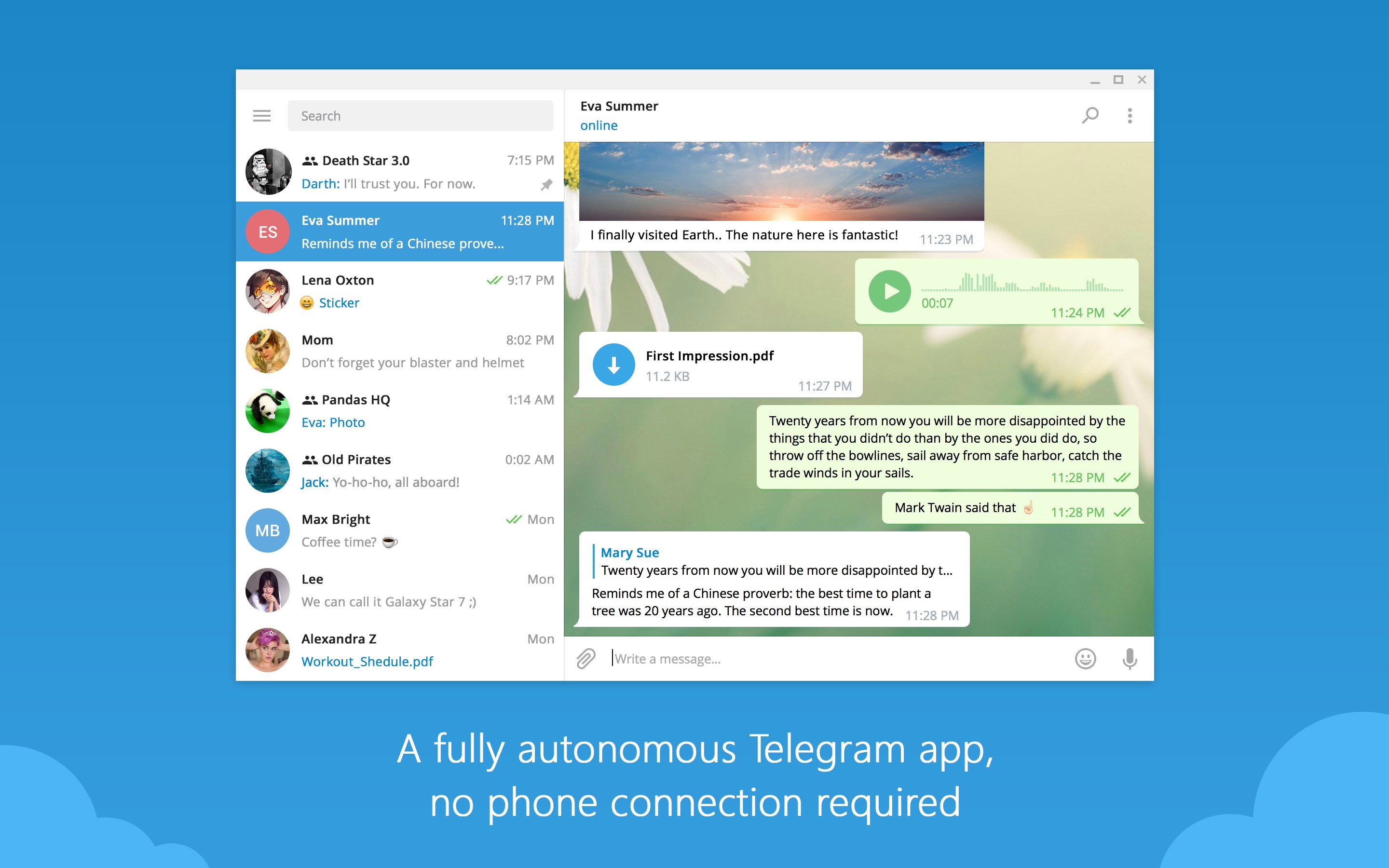
While many messaging platforms treat their computer versions as mere extensions of their mobile apps, Telegram Desktop stands out as a fully independent, powerhouse application. Built specifically for the Windows environment, this client operates seamlessly without requiring your phone to remain connected to the internet. This standalone architecture ensures that your communication remains uninterrupted, even if your mobile device runs out of battery or loses service.
Core Features of the Telegram Desktop Messaging Client
Our review of this communication platform highlights several advanced capabilities that make it a leading choice for both personal and professional use:
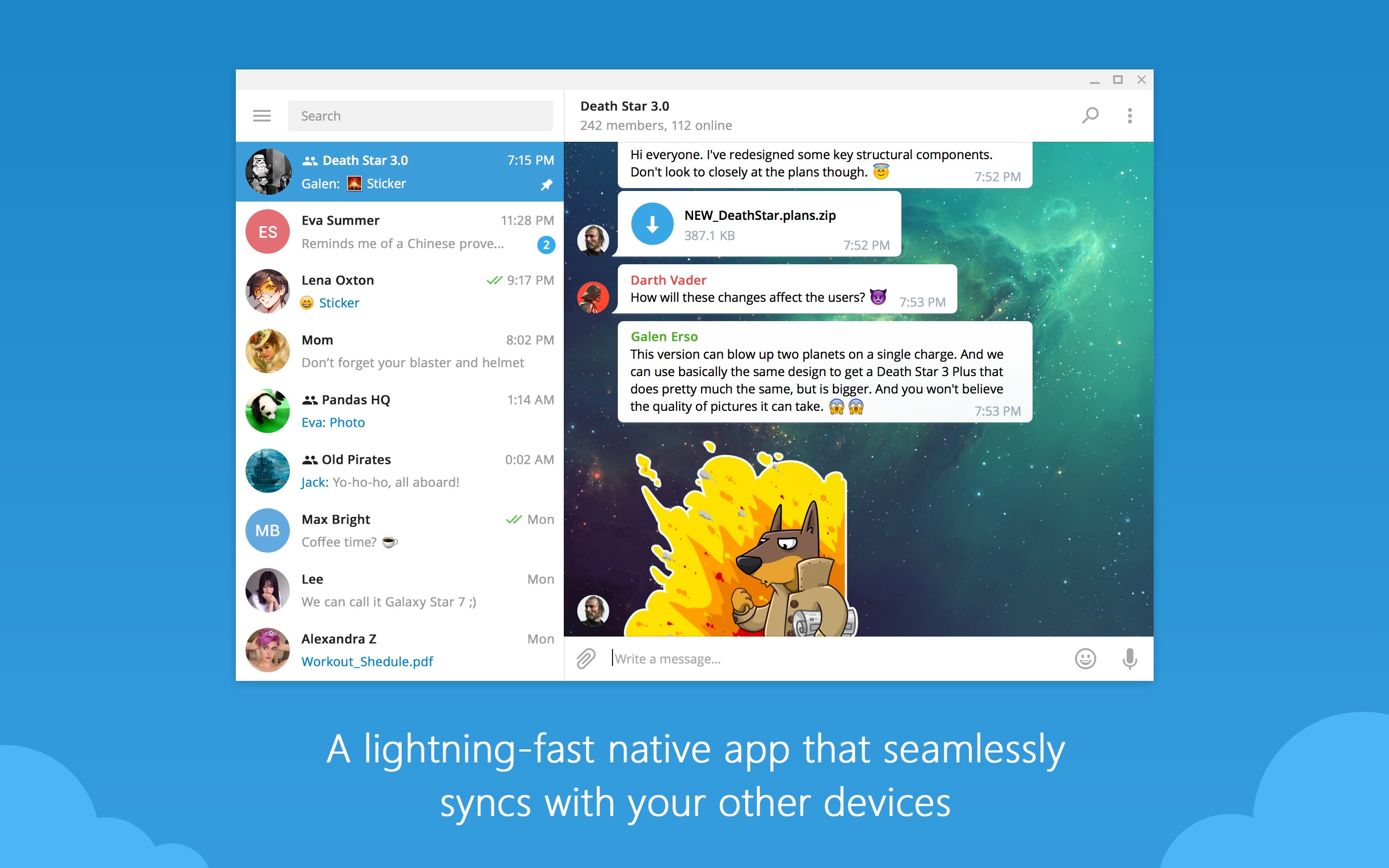
- Instant Multi-Device Synchronization: Start drafting a message on your phone and finish it directly on your computer. Your entire chat history is synchronized in real-time across all active devices.
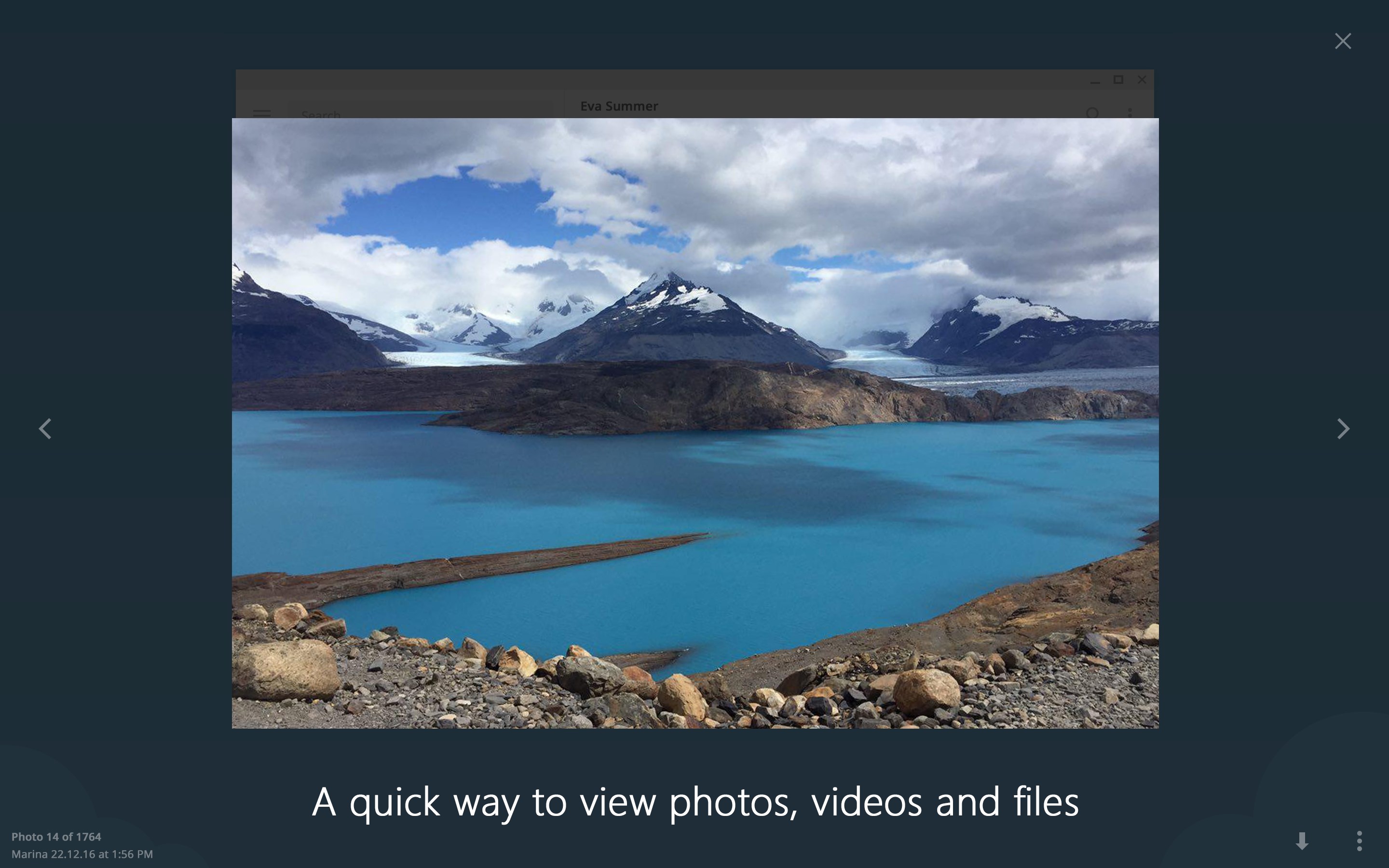
- Unlimited Cloud Storage: Share media, documents, and archives of any format (.DOCX, .MP3, .ZIP) up to 2 GB per file. Your data is securely kept in the cloud, saving valuable local disk space.
- Enterprise-Grade Security: The platform utilizes a combination of 256-bit symmetric AES encryption, 2048-bit RSA encryption, and Diffie–Hellman secure key exchange to keep your private conversations protected.
- Massive Community Tools: Host online communities with up to 200,000 members, deploy interactive bots for automated tasks, and manage large-scale collaboration effortlessly.
Who Is This Desktop Messenger For?
Whether you are a professional coordinating complex projects, a community manager overseeing thousands of members, or simply someone who prefers typing on a full-sized physical keyboard, Telegram Desktop offers the speed and flexibility needed for modern communication. Its low bandwidth usage guarantees reliable performance even on weaker network connections, making it highly efficient for remote work.
Is Telegram Desktop Worth It?
With its open-source API, customizable themes, and strict commitment to user privacy (including the ability to delete messages for both sides without a trace), this software provides an unparalleled user experience. If you are looking to elevate your computer-based messaging, we highly recommend checking out the official application on the Microsoft Store to get started today.