

WhatsApp for Windows

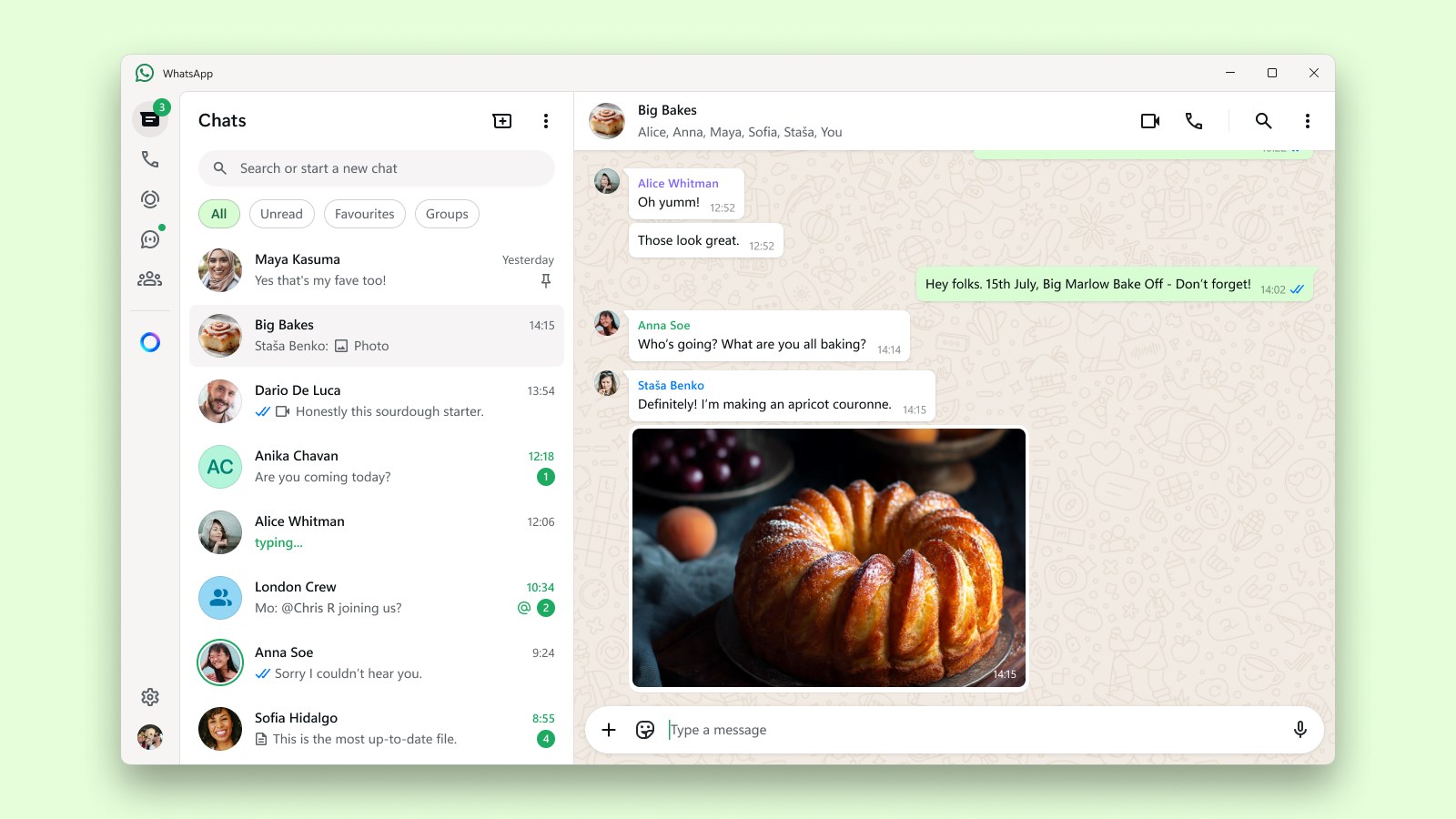

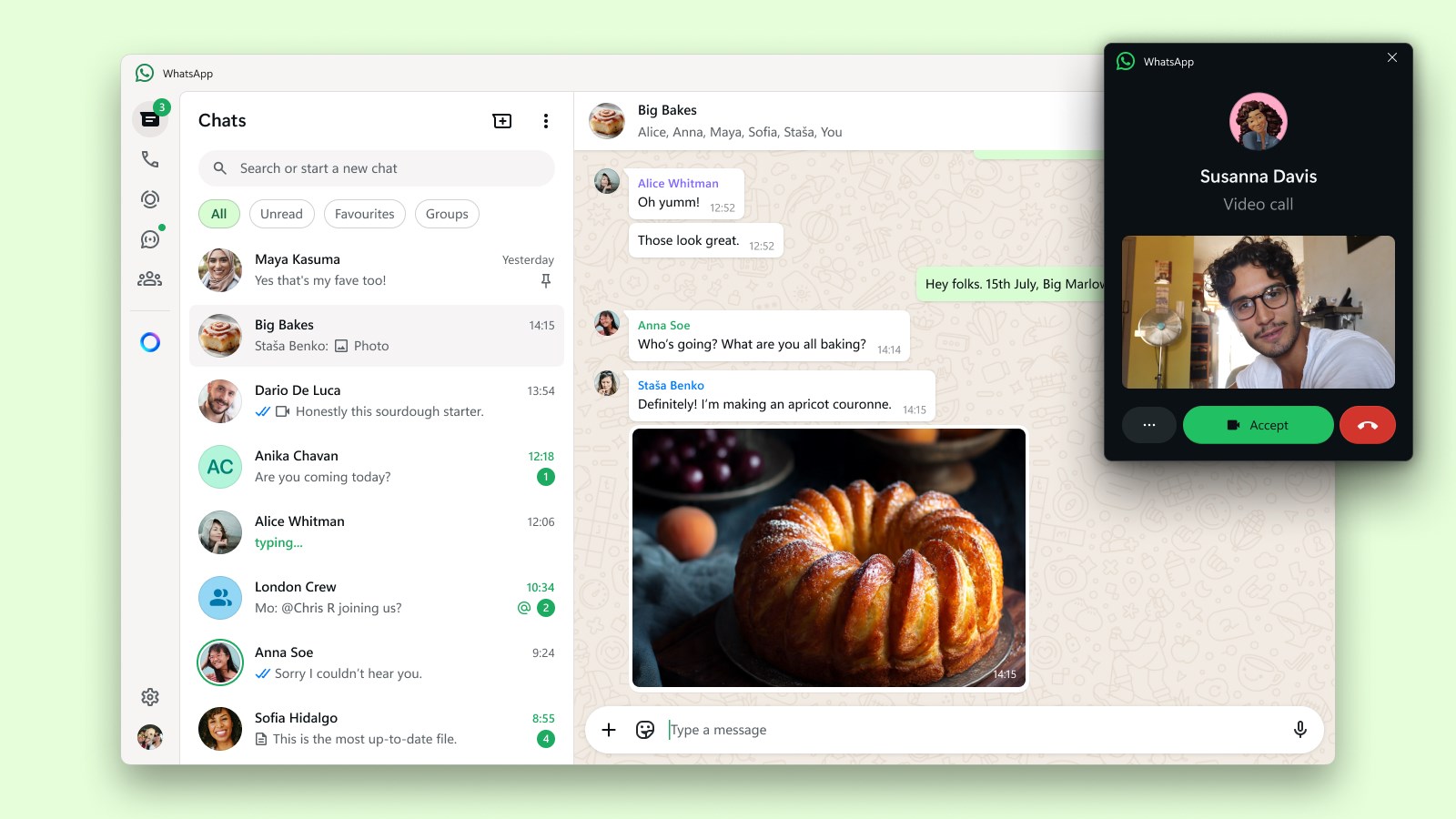

Read our comprehensive review of WhatsApp for Windows. Discover how this desktop communication tool keeps you connected with secure, end-to-end encryption.
Imagine you are deep in your workflow on your PC, typing up an important document, when your phone buzzes with an urgent message from a family member. Instead of breaking your focus, unlocking your device, and typing on a cramped virtual keyboard, you can seamlessly manage the conversation right from your desktop using the WhatsApp communication app.
What is the WhatsApp Communication App?
Developed by WhatsApp Inc., this application brings one of the world's most popular messaging platforms directly to your Windows desktop. Designed to operate efficiently even on slower internet connections, it bridges the gap between mobile convenience and desktop productivity. It allows users to send texts, share media, and stay in touch without needing to constantly reach for their mobile devices.
Key Features of WhatsApp for Windows
- End-to-End Encryption: Security is central to the experience. Your personal chats and voice calls are fully encrypted, ensuring that nobody outside of your active conversation can access them.
- Cross-Platform Continuity: The application synchronizes your conversations across your mobile device and your Windows PC, maintaining a continuous chat history.
- Optimized Performance: Built specifically for desktop environments, the interface is clean, responsive, and designed to run smoothly without draining system resources.
Who is this Desktop App For?
This software is ideal for professionals who spend their workdays on a computer and want to streamline their communications. It is also perfect for families who prefer typing on physical keyboards for longer conversations, or anyone looking to centralize their daily messaging into a single desktop interface.
Final Verdict
The WhatsApp communication app on Windows delivers a highly reliable, secure, and integrated messaging experience that respects your workflow. If you want to elevate your daily messaging routine, we highly recommend checking out this tool. To explore more or to set it up on your system, visit the official Microsoft Store page today.